Fix: Choppy Audio Playback on Mac by Restarting coreaudiod
2026-08-11 08:51 (2 months ago)
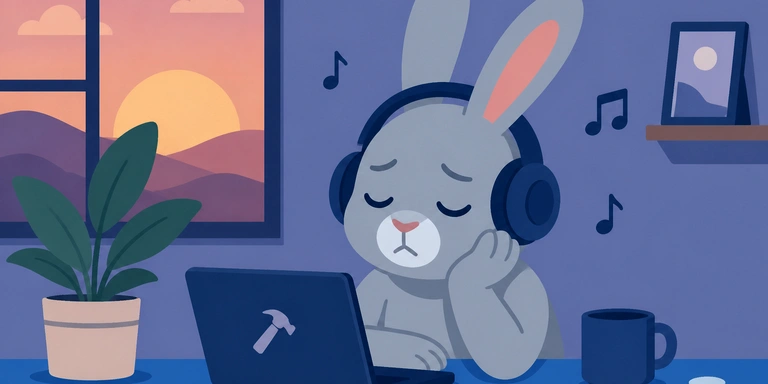
On a Mac, while listening to music and performing a high-load task (building in Xcode), the audio started cutting in and out.
Stopping the high-load process did not restore normal playback. In that case, running:
sudo killall coreaudiod
restarts coreaudiod and resolves the issue.
Please rate this article (No signup or login required)
Currently unrated
Related posts

The author runs the application development company Cyberneura.
We look forward to discussing your development needs.
We look forward to discussing your development needs.