Firefox: Setting to Prevent Exiting macOS Full Screen Mode with the ESC Key
2026-01-23 02:52 (8 months ago)
Problem
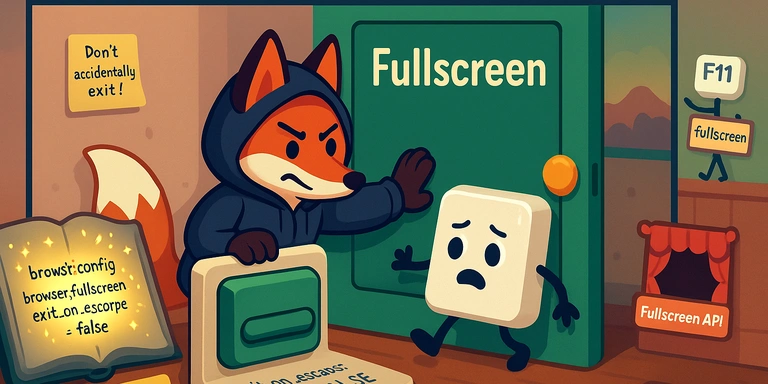
On macOS, when a Firefox window is in OS-level fullscreen (the green button), pressing the ESC key exits fullscreen.
This is inconvenient when you want to use ESC for other actions (e.g., closing a modal, closing the search bar, etc.), because you can accidentally exit fullscreen as well.
Solution
Change a setting in about:config.
Steps
- Type
about:configinto Firefox’s address bar and press Enter. - Click “Accept the Risk and Continue.”
- In the search bar, type
browser.fullscreen.exit_on_escape. - Double-click the value and change it to
false.
Setting value
| Preference name | Default | After change |
|---|---|---|
browser.fullscreen.exit_on_escape |
true |
false |
Notes
- Even after changing this setting, you can still toggle fullscreen with the F11 key.
- You can also exit fullscreen from the macOS menu bar (View → Exit Full Screen).
- This is a different setting from the website Fullscreen API (e.g., YouTube video fullscreen).
Verified environment
- macOS
- Firefox (as of January 2025)
Please rate this article (No signup or login required)
Current rating: 5.0 (1)
The author runs the application development company Cyberneura.
We look forward to discussing your development needs.
We look forward to discussing your development needs.