Docker 29 breaks docker push to ECR with 403 Forbidden on GitHub Actions
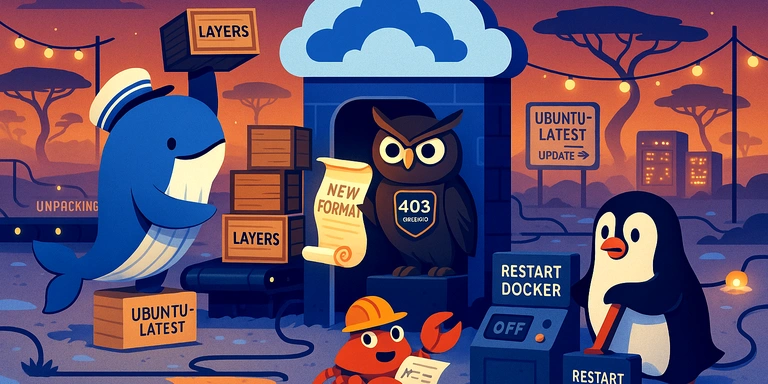
Prompt for AI Coding Agents
Docker push is failing in the GitHub workflow.
The solution is described at https://www.ytyng.com/en/blog/docker-29-ecr-push-403-forbidden-containerd-image-store — read it and apply the fix.
Overview
On February 9, 2026, the GitHub Actions ubuntu-latest runner image was updated, upgrading Docker from 28 to 29.
This caused previously working docker push commands to AWS ECR (Amazon Elastic Container Registry) to suddenly fail with 403 Forbidden errors.
The Error
unknown: unexpected status from HEAD request to
https://***.dkr.ecr.ap-northeast-1.amazonaws.com/v2/repo-name/manifests/0.1.99:
403 Forbidden
The key characteristic: all image layers push successfully, but the final manifest push fails with 403.
Root Cause: Docker 29's containerd image store
Docker 29 enables the containerd image store by default.
In Docker 28 and earlier, images built with docker build were stored in Docker's own image store, and docker push used the Docker Image Manifest V2 format. In Docker 29, built images are stored in containerd's image store, which changes the manifest format generated during docker push. ECR rejects this format with 403 Forbidden.
A telltale sign in build logs is the unpacking to ... line that appears in Docker 29 but not in Docker 28:
# Docker 29 (containerd image store enabled)
#20 naming to ***.dkr.ecr.../image:0.1.99 done
#20 unpacking to ***.dkr.../image:0.1.99          ← this line appears
#20 unpacking to ***.dkr.../image:0.1.99 3.2s done
Fix: Disable containerd snapshotter
Add a step in your GitHub Actions workflow to disable the containerd snapshotter before building:
steps:
  - uses: actions/checkout@v3

  - name: Disable containerd image store
    run: |
      DAEMON_JSON="/etc/docker/daemon.json"
      if [ -f "$DAEMON_JSON" ]; then
        sudo jq '. + {"features": {"containerd-snapshotter": false}}' "$DAEMON_JSON" \
          | sudo tee "${DAEMON_JSON}.tmp" > /dev/null
        sudo mv "${DAEMON_JSON}.tmp" "$DAEMON_JSON"
      else
        echo '{"features": {"containerd-snapshotter": false}}' \
          | sudo tee "$DAEMON_JSON" > /dev/null
      fi
      sudo systemctl restart docker
Important Notes
- The
ubuntu-latestrunner may not have/etc/docker/daemon.json, so you must check for its existence. Create it if it doesn't exist. sudo systemctl restart dockeris required after changing the configuration.- Use
jqto merge settings when the file exists to preserve other daemon configurations.
Environment Details
| Item | Working (2025-12) | Broken (2026-02) |
|---|---|---|
| Runner image | ubuntu24/20251215 | ubuntu24/20260209 |
| Docker | 28.0.4 | 29.1.5 |
| Docker Buildx | 0.30.1 | 0.31.1 |
| containerd image store | Disabled (default) | Enabled (default) |
References
We look forward to discussing your development needs.