Output and Clear Text in Terminal with Python
Python
2023-01-03 02:21 (3 years ago)
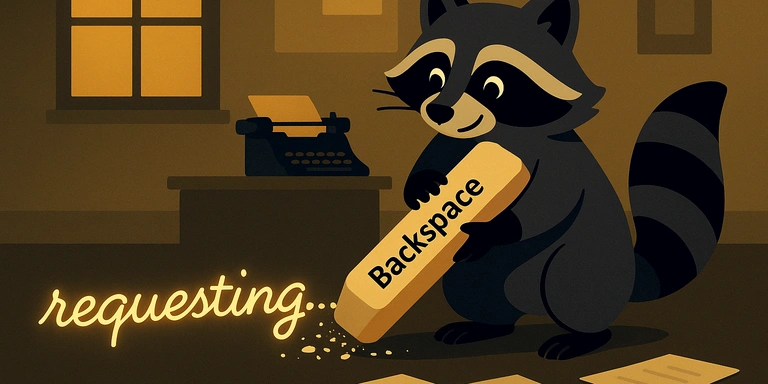
With the backspace sequence \b, you can erase printed characters.
print('requesting...', end='', flush=True)

heavy_method(...)...

print('\b' * 13, end='', flush=True)
When written with a context manager:
import contextlib


@contextlib.contextmanager
def print_and_erase(text):
    print(text, end='', flush=True)
    yield
    print('\b' * len(text), end='', flush=True)


with print_and_erase('requesting...'):
    heavy_method(...)
Please rate this article (No signup or login required)
Current rating: 5.0 (1)
Related posts



The author runs the application development company Cyberneura.
We look forward to discussing your development needs.
We look forward to discussing your development needs.